
HayTool MDM Bypass
Software for iPhone & iPad
HayTool provides MDM authorization and Remote Management bypass software for iPhone and iPad devices you own or are authorized to service. Supports iOS 10–27, with device blacklist checks and automatic blocking of flagged devices. Check compatibility before ordering.
Explore Services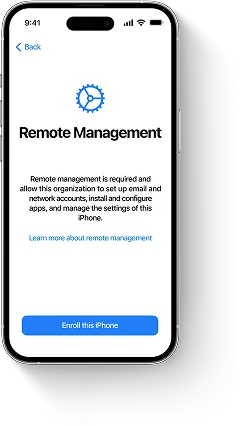
Suitable For
Personal personal devices
Repair technicians / flash users
Studios / batch device management
Applicable Devices
Only applicable to devices that have hidden supervision / hidden Apple ID.
Once you perform "Erase All Content and Settings", the device may be relocked, bricked, or unable to activate.
MDM Perfect Bypass
Updatable system bypass
- • Updatable system bypass + support erase
- • Updatable system bypass + skip setup wizard + support erase
Non-updatable system bypass
- • Non-updatable system bypass + support erase
- • Non-updatable system bypass + skip setup wizard + support erase
The last two are recommended for batch operations with multiple devices.
Additional Functions
Block system updates + allow erase
Unblock updates + unblock erase (restore normal erasable state)
Advantages
Fully compatible with 3U erase
Automatically boots after erasing, no MDM reappears.
One-step setup
You can select country and language before operation, no manual setup needed.
Pricing
Single device fee: $14.99
Prepaid Discount Packages
Recharge $200
$10 per device
Recharge $500
$7 per device
Recharge $1000
$4 per device
Recharge $3000
$3 per device
For bulk large customers, contact us for free test if needed.
Software Operation Steps
Preparation and Operation Steps
Before operation, turn off the phone lock screen password
Sign out of Apple ID, ignore WiFi, remove SIM card, then start
Connect to computer and click Start
After booting, disconnect network to activate
After entering the desktop, restart the phone to complete
Important Tips
Copy the serial number to register and log in to your account on the website. Log in to your account in the software and start operating directly.
Disclaimer
This software and service are only for personal device rescue (forgot password), legal second-hand device refurbishment testing, and enterprise batch device management testing.
Strictly prohibited for use on any illegally obtained devices.
Users shall bear all legal consequences caused by illegal use of this tool.
MDM Bypass Solution
Since 2016, we've offered a trusted, easy-to-use tool to bypass MDM locks on Apple devices.
How to Detect MDM Lock
Check if your Apple device has MDM/DEP lock with these simple steps.
-
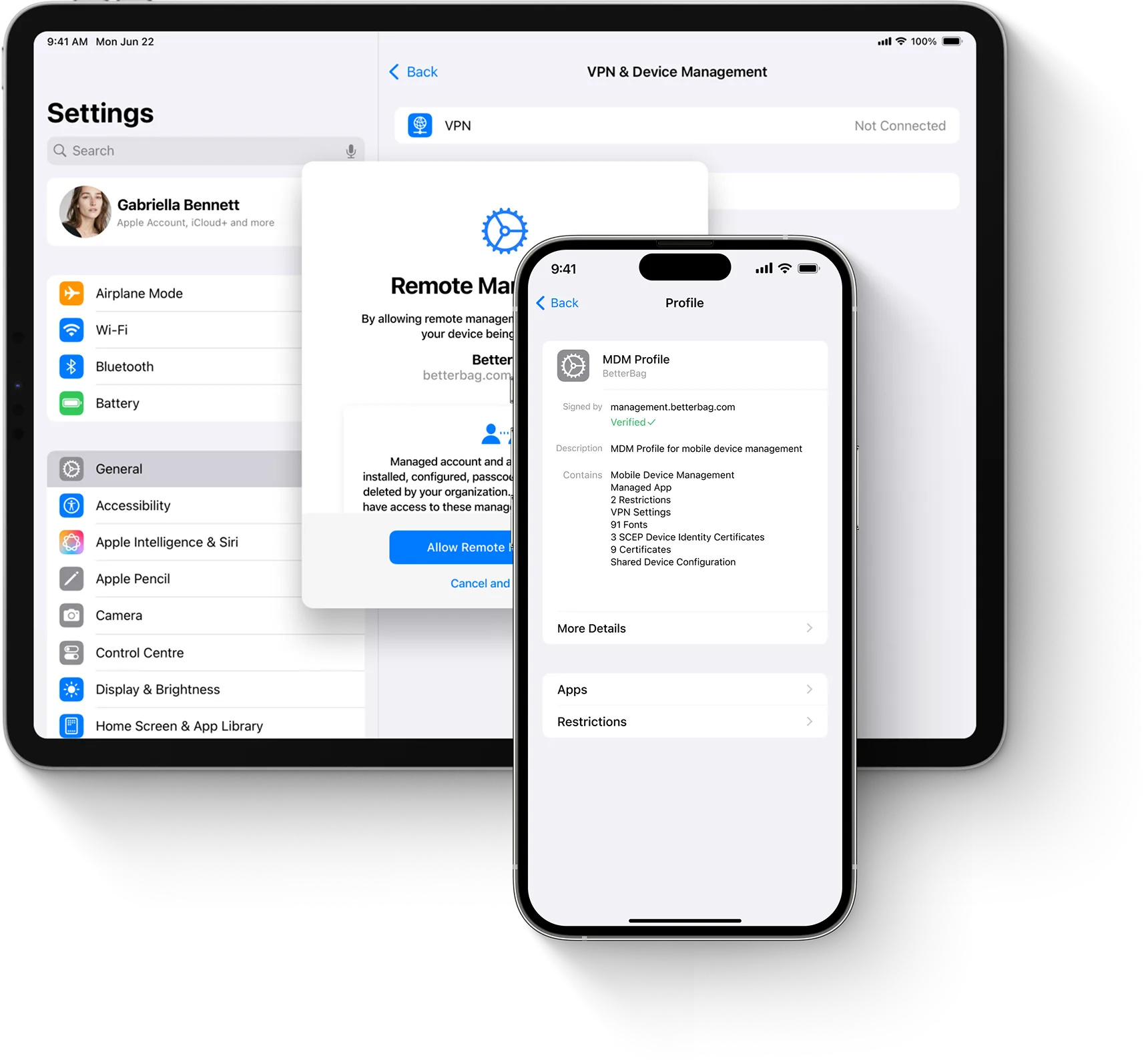
Step 1: Activation Screen
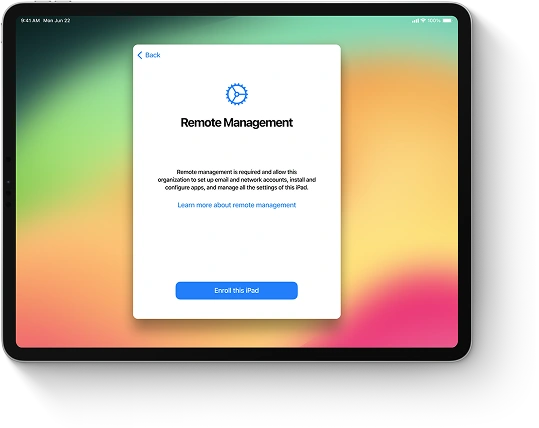
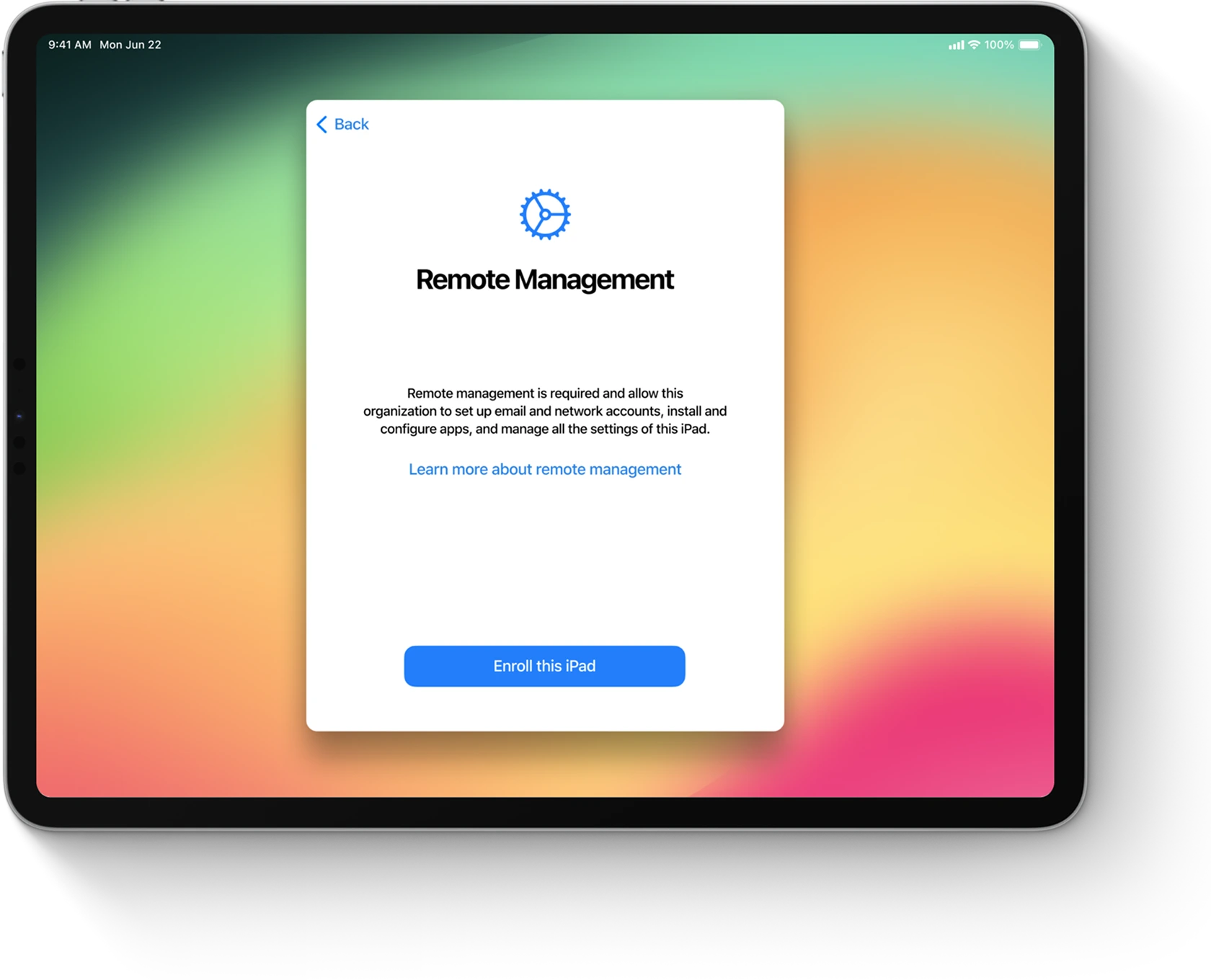
If you see "Remote Management" on activation screen - device has MDM lock. -
Step 2: Settings Check
Go to Settings > General > VPN & Device Management - check for MDM profiles. -
Step 3: Restrictions
If you can't modify settings/install apps - device is supervised by MDM. -
Step 4: Use Our Tool
Our software can automatically detect MDM status in 10 seconds.
Supported MDM Vendors
Our solution works with all major MDM providers






Before You Choose HayTool
HayTool MDM Bypass: Frequently Asked Questions
-
MDM stands for Mobile Device Management. HayTool offers software and authorization services for iPhone and iPad Remote Management bypass on owned or authorized devices. Chinese terms for this service include MDM 绕过 and 监管绕过 (Remote Management bypass). Select the iPhone or iPad product page for device-specific details.
-
HayTool supports iOS 10–27. Confirm your device model and software version with support before ordering. For iPad, confirm iPadOS compatibility separately.
-
HayTool offers options with different system-update and erase behavior. Confirm the option for your device before ordering, and follow the instructions for that option. The product pages explain the available services; contact support if your device status is unclear.
-
HayTool includes device blacklist checks and automatically blocks processing when a device is flagged. The service is for devices you own or have permission to service. A blacklist check does not replace proof of ownership or authorization.
-
Use the Windows or macOS download controls in the services section of this website. Choose the product for your iPhone or iPad, confirm compatibility, and follow its operation guide. Use the official HayTool support links if you need help choosing a version.
-
The About Us page contains official HayTool contact details, service terms and refund information. Review the applicable policy before ordering and contact support with your device model, system version and selected service.
HayTool Affiliate Program
Earn up to 50% commission for every sale you refer. Join our affiliate program and start earning passive income today.
Join Now