Starting at $14.99iPhone 5S → iPhone 17 Pro Max✓Result: InstantMDM Bypass Method: SoftwareiOS Support: iOS 7 → 26
iPhone MDM Bypass Service
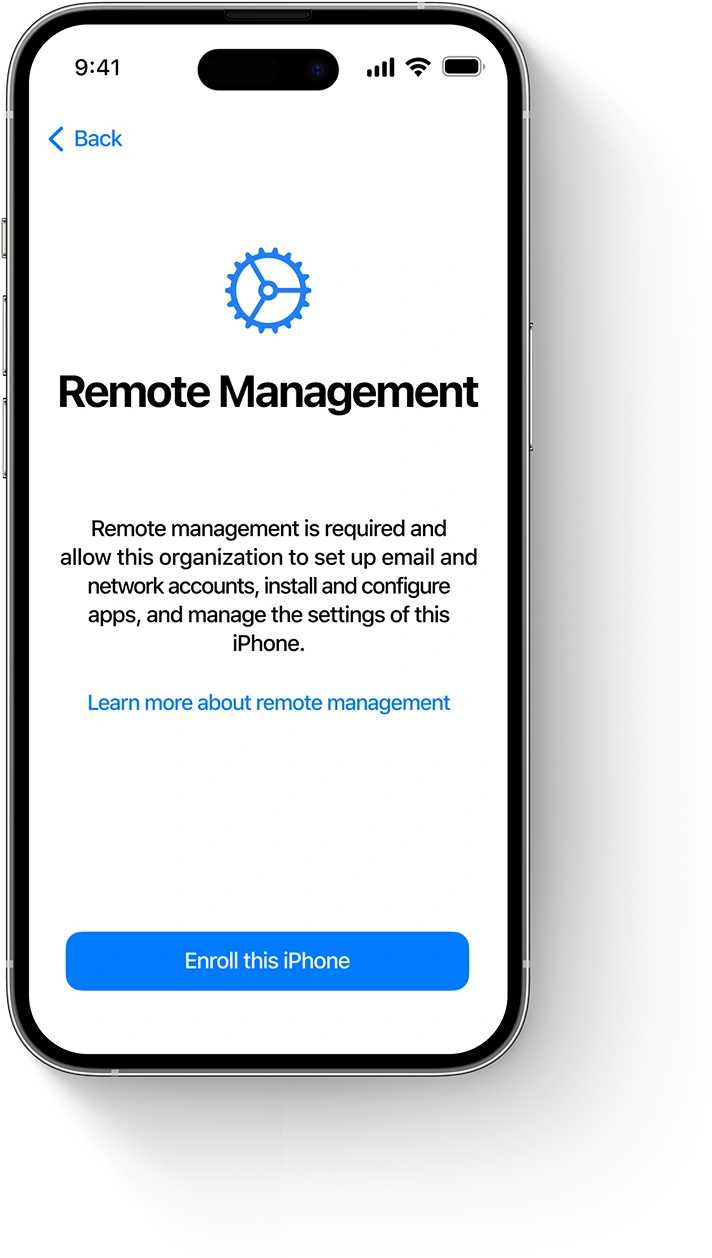
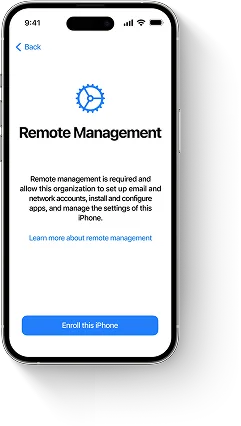
Is your iPhone stuck on the Remote Management (MDM) activation lock screen? Our professional service can quickly and safely remove the MDM profile from your iPhone and bypass the lock — no credentials or jailbreak required. Regain full access now!
HayTool iPhone MDM Bypass Advantages
Supports All iOS Versions
From older versions to the latest iOS — fully compatible and regularly updated.
24/7 Support Center
Get help anytime — our support team is available 24/7 for you.
Instant MDM Removal
Bypass the Remote Management lock screen on your iPhone in minutes — no waiting.
One-Time Payment
Easily bypass the MDM lock again after iPhone restoration, no technical support needed, no additional fees. Suitable for technicians, dealers and users.
Tutorial: How to Bypass MDM on iPhone with HayTool
Learn how to quickly and safely bypass the MDM lock on your iPhone step by step with this tutorial.
Quick Operation Guide
Before operation, turn off the phone lock screen password
Sign out of iCloud, forget WiFi, remove SIM card
Connect to computer and click Start
After success, activate without internet when entering desktop
Reboot the device after entering the desktop to complete
Download and Install HayTool Software
Download HayTool from the official website and get the latest version compatible with your operating system. The software supports Windows and macOS, and can easily bypass the MDM lock on your iPhone.
After downloading, install it according to the on-screen prompts.
Note for macOS Users
If you try to open an app from a developer not registered with Apple, you may see a warning message: "HayTool Software.pkg" cannot be opened
This does not necessarily mean the app is unsafe.
To run HayTool on Mac, follow Apple's official guide to enable apps from unidentified developers. Here's the tutorial: Open a Mac app from an unidentified developer
Run the Software and Verify Device Compatibility
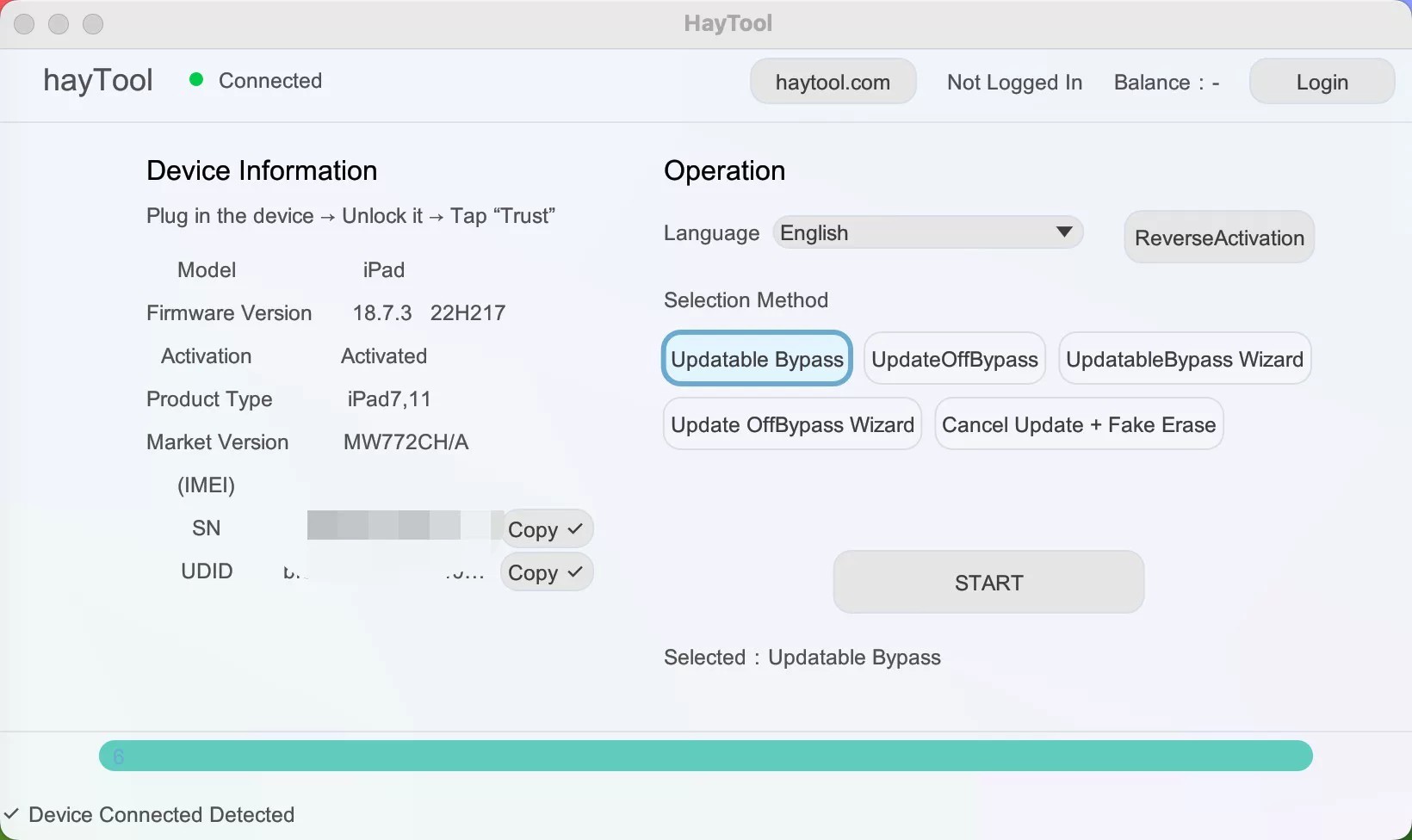
Launch the HayTool software and connect your iPhone to the computer using a USB cable. The software will automatically detect the device and verify if it is compatible with MDM bypass.
Make sure to tap the "Trust" button on your iPhone screen when prompted.
Before proceeding, ensure that the device displays the Remote Management lock screen or has an MDM profile in Settings, and that "Find My iPhone" is turned off.
Note
HayTool software is only used to bypass MDM locks. It does not support devices locked with iCloud.
The verification process will determine if your device supports MDM bypass. If the software prompts "Not Supported", we cannot assist.
Bypass MDM on iPhone
After purchasing the license, start the bypass through the software. Connect the device, and the software will verify the license and start the bypass.
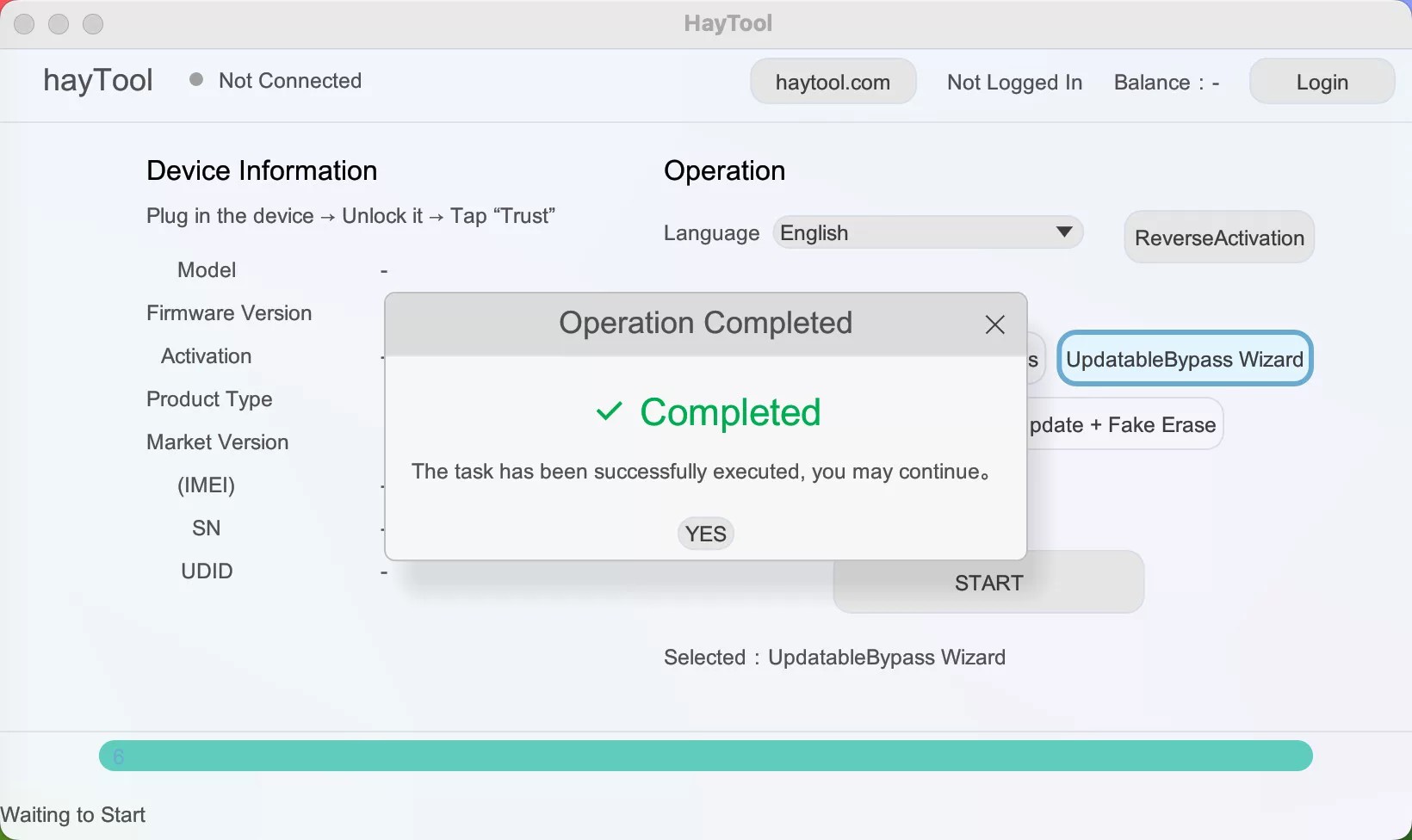
After a few minutes, the MDM restrictions will be lifted, and you will regain full access to the device.
Important Note
Do not disconnect your iPhone until the software confirms the bypass is successful.
After bypassing MDM, you can use your iPhone freely — log in to Apple ID, download apps, etc.
Software Operation Steps
Preparation and Operation Steps
1
Before operation, turn off the phone lock screen password
2
Sign out of Apple ID, ignore WiFi, remove SIM card, then start
3
Connect to computer and click Start
4
After booting, disconnect network to activate
5
After entering the desktop, restart the phone to complete
Important Tips
Copy the serial number to register and log in to your account on the website. Log in to your account in the software and start operating directly.
Bypass Software Options
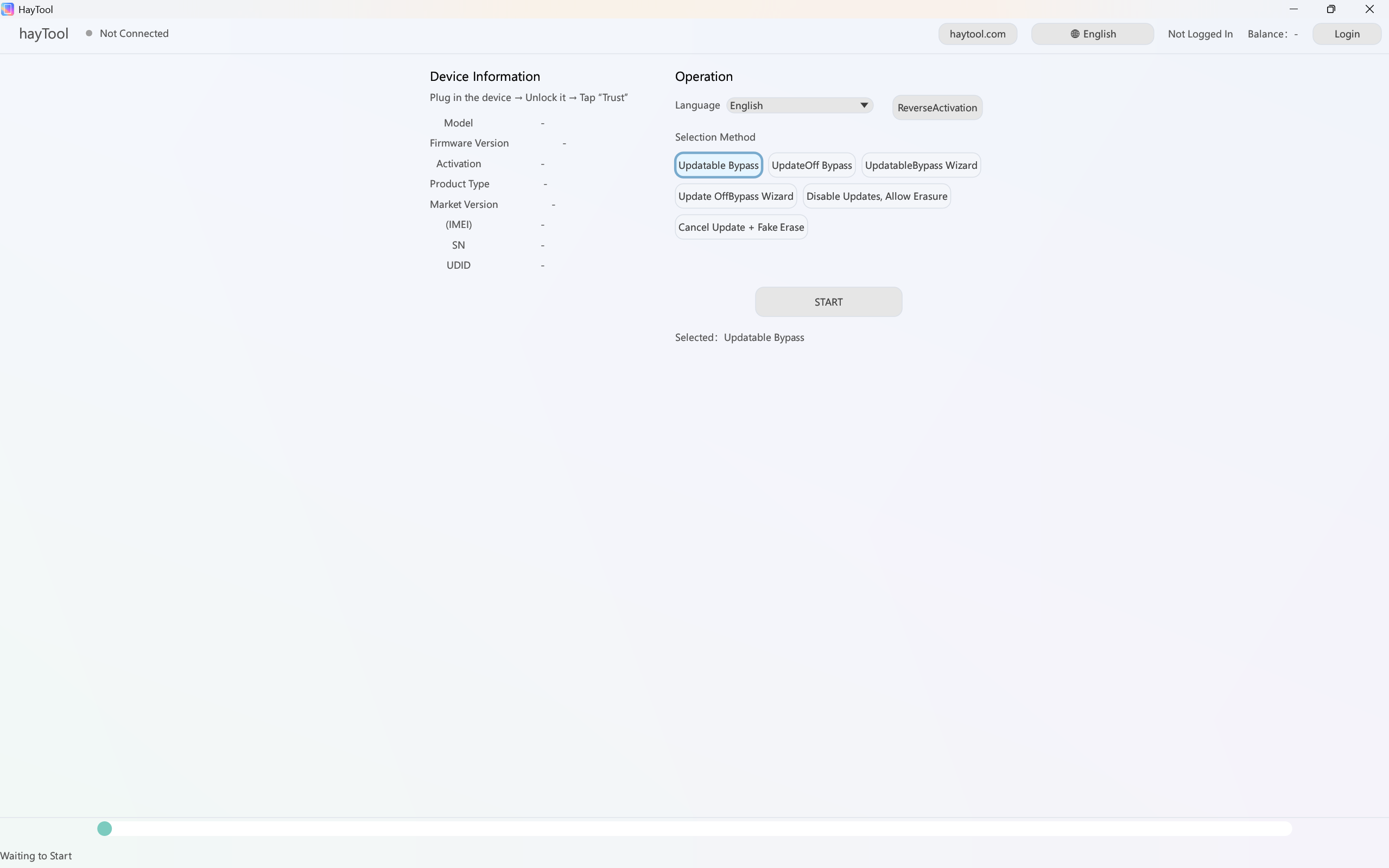
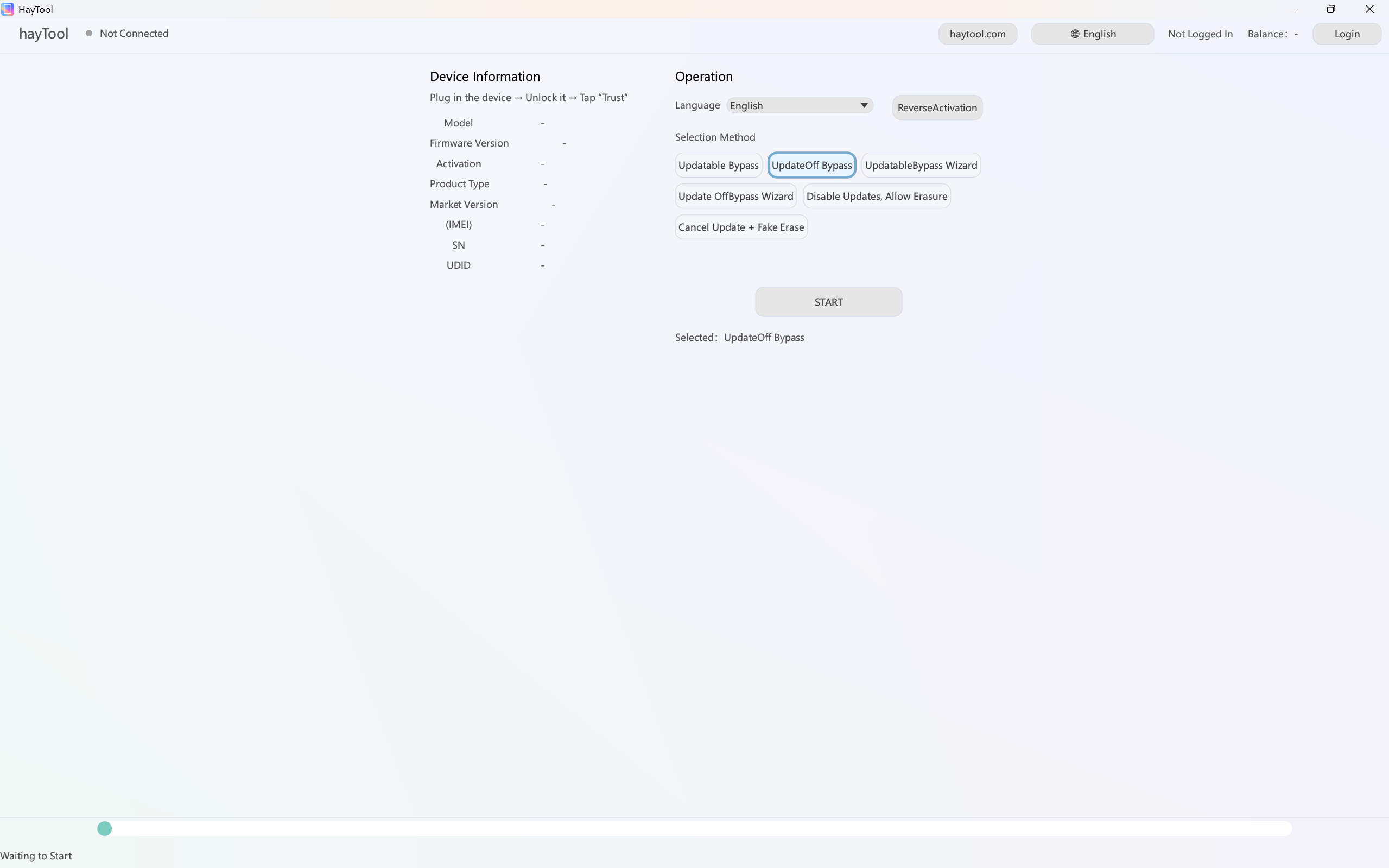
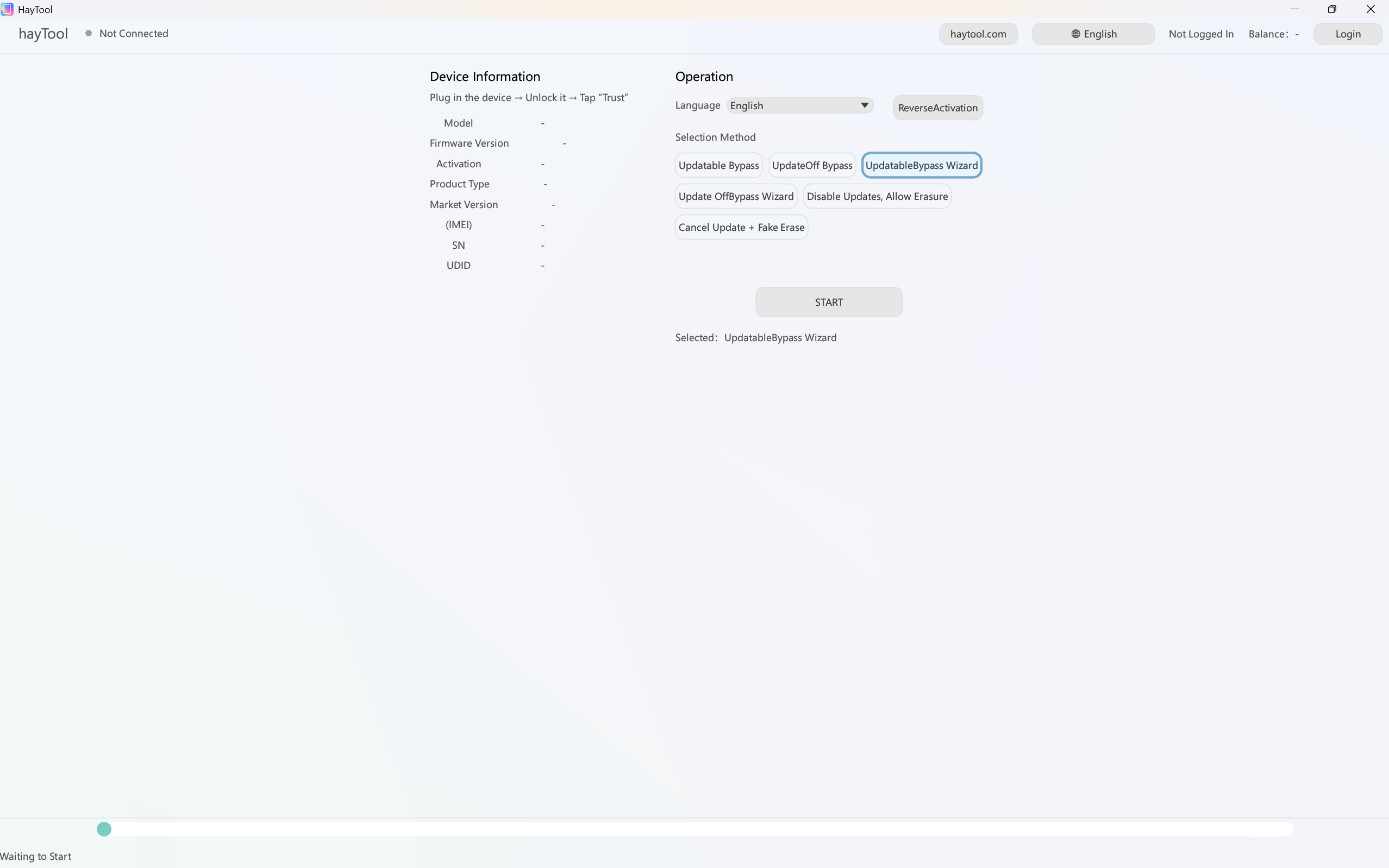
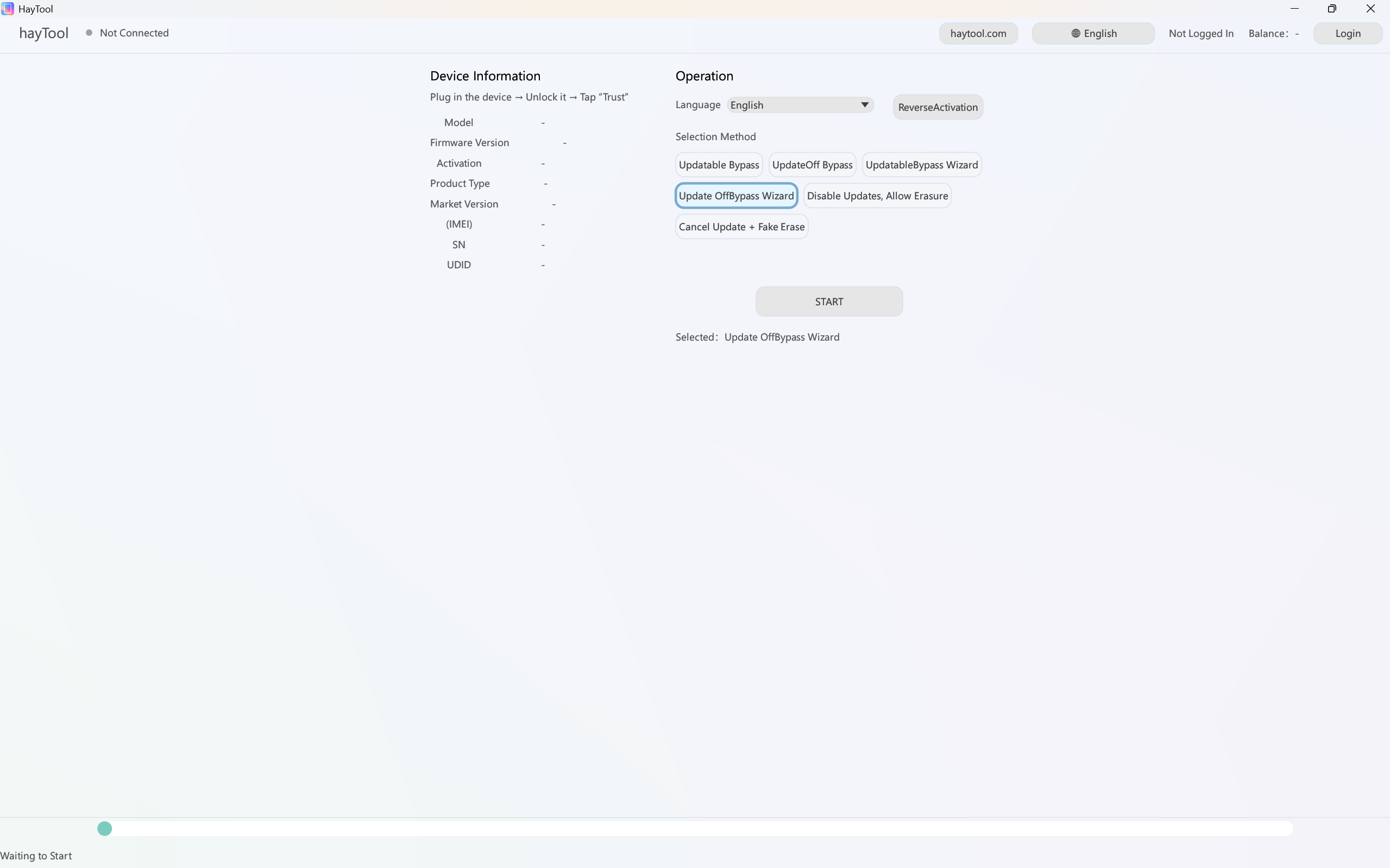
This anti-erase software can directly skip supervision + anti-erase
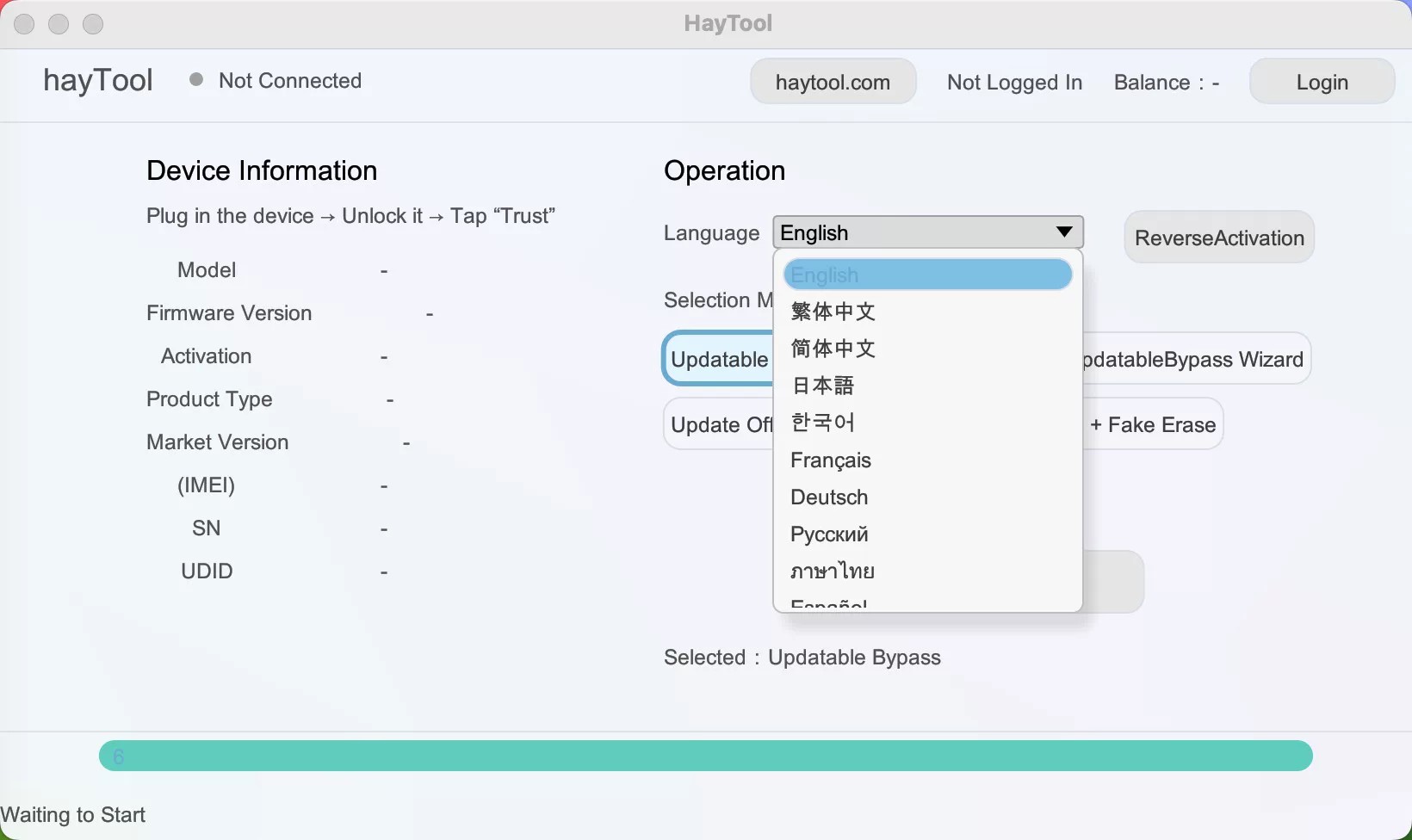
Updatable Bypass
Bypass supervision text + updatable + anti-erase
Non-updatable Bypass
Bypass supervision text + block updates + anti-erase
Updatable Bypass + Skip Setup
For brand new unactivated devices. Skip activation + bypass supervision text + updatable + anti-erase. No need for 3uTools activation.
Non-updatable Bypass + Skip Setup
For brand new unactivated devices. Skip activation + bypass supervision text + block updates + anti-erase. No need for 3uTools activation.
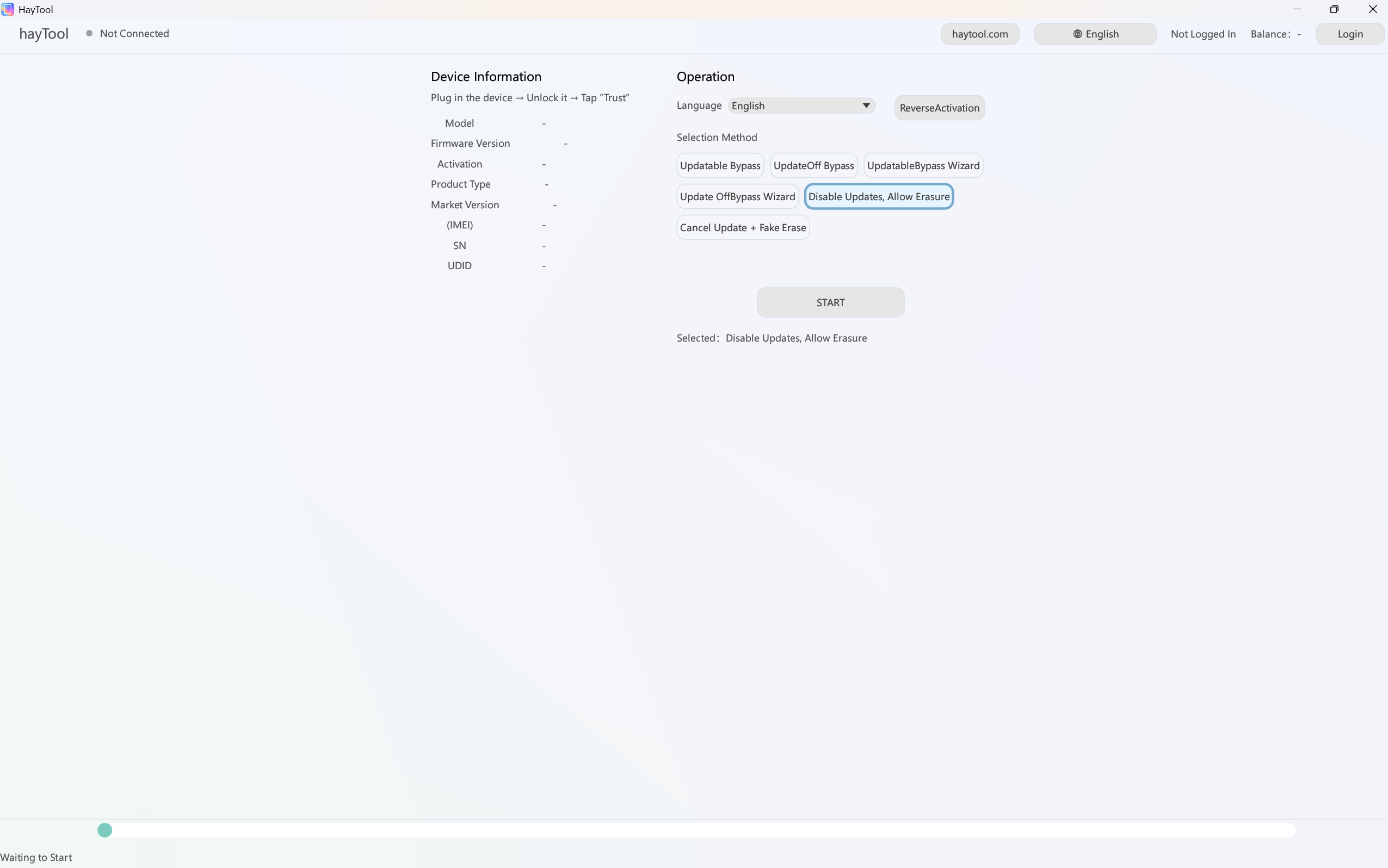
Block Updates, Allow Erase
Bypass supervision text + updatable + no anti-erase
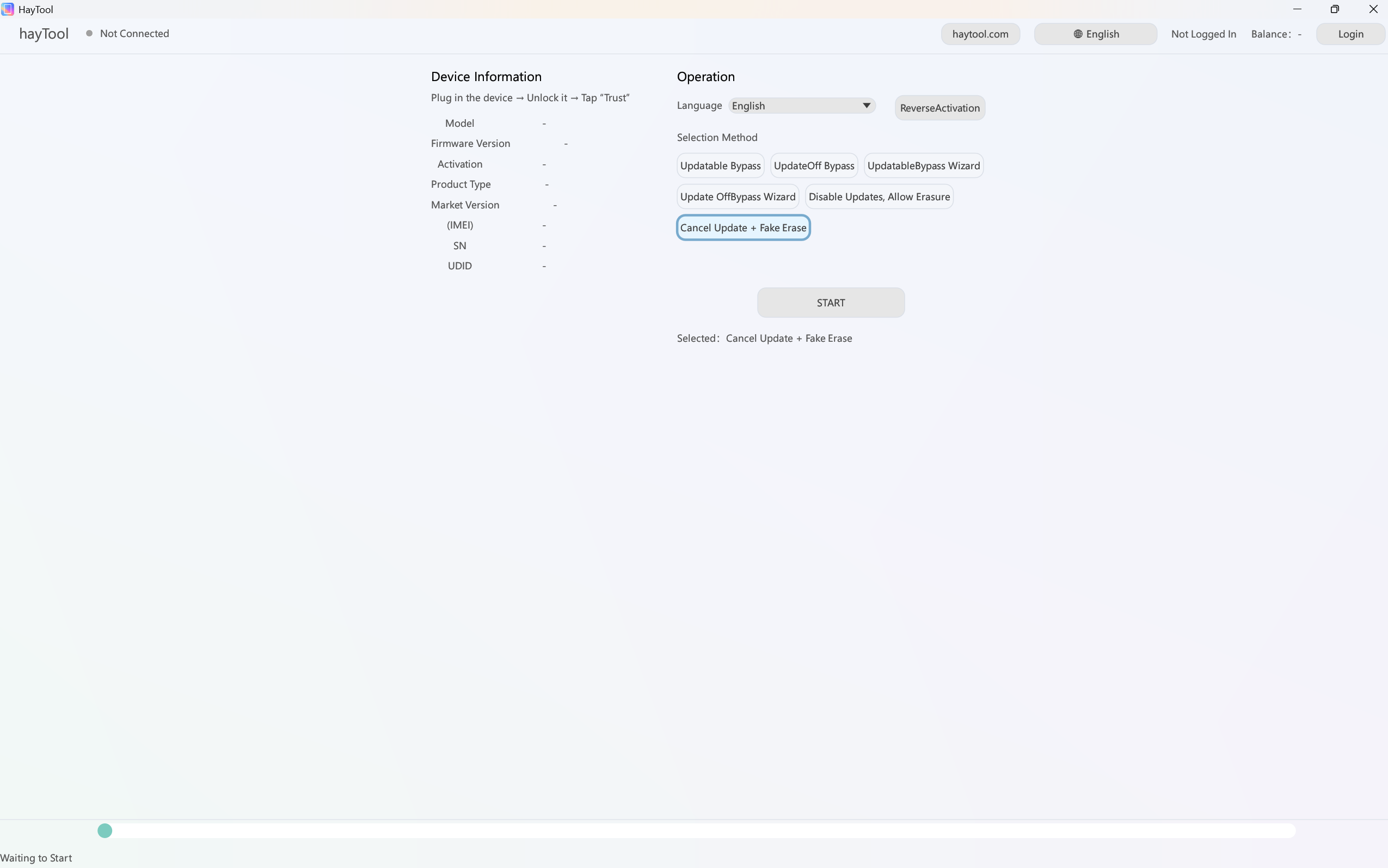
Unblock Updates + Unblock Erase
Remove anti-erase and update restrictions (restore normal erasable state)
Suitable For
Personal personal devices
Repair technicians / flash users
Studios / batch device management
Applicable Devices
Only applicable to devices that have hidden supervision / hidden Apple ID.
Once you perform "Erase All Content and Settings", the device may be relocked, bricked, or unable to activate.
MDM Perfect Bypass
Updatable system bypass
• Updatable system bypass + support erase
• Updatable system bypass + skip setup wizard + support erase
Non-updatable system bypass
• Non-updatable system bypass + support erase
• Non-updatable system bypass + skip setup wizard + support erase
The last two are recommended for batch operations with multiple devices.
Additional Functions
Block system updates + allow erase
Unblock updates + unblock erase (restore normal erasable state)
Advantages
Fully compatible with 3U erase
Automatically boots after erasing, no MDM reappears.
One-step setup
You can select country and language before operation, no manual setup needed.
Pricing
Single device fee: $14.99
Prepaid Discount Packages
Recharge $200
$10 per device
Recharge $500
$7 per device
Recommended
Recharge $1000
$4 per device
Recharge $3000
$3 per device
For bulk large customers, contact us for free test if needed.
Disclaimer
This software and service are only for personal device rescue (forgot password), legal second-hand device refurbishment testing, and enterprise batch device management testing.
Strictly prohibited for use on any illegally obtained devices.
Users shall bear all legal consequences caused by illegal use of this tool.
HayTool MDM Bypass Services
iPhone MDM Bypass
Starting at $14.99
All iPhone models: iPhone 5S → iPhone 17 Pro Max
Bypass MDM on any iPhone with just one click, delete profiles, skip Remote Management verification, unlock all features without login, even if MDM profile cannot be downloaded.
All iPad models: iPad, iPad Pro, iPad Air, iPad Mini
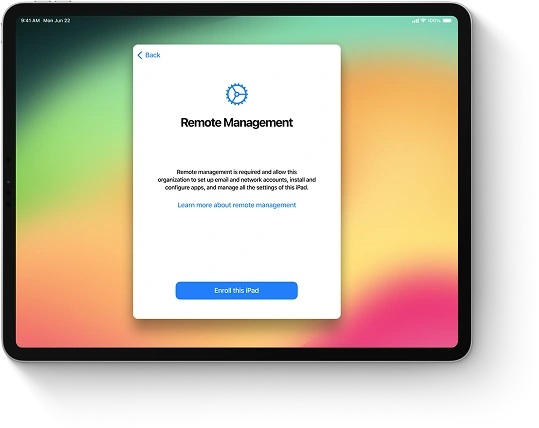
Unlock any MDM-locked iPad by removing enterprise profiles, bypassing the Remote Management activation screen (no credentials required) and restoring full functionality. Compatible with all iPad models and iPadOS versions.